
Screenshots
App details
- Version
- 1.0
- Size
- 21.37 MB
- Updated
- July 15, 2022
- Requires
- Windows 98
- Language
- English
- License
- Free
- Developer
- EZ Freeware LLC
- Category
- Windows OS
SoftPas in:
This product is also available in the following languages:
About Free Opener
Download Free Opener – free universal file opener, open 80+ formats
What Is Free Opener and Who Needs It?
In today’s digital world, the average computer user encounters dozens of file formats on a daily basis – PDFs for contracts, JPEGs for photos, ZIP archives for downloads, and even obscure extensions like .RAF (raw image) or .INI (configuration files). Switching between a dozen different applications just to view a single file can be a productivity nightmare. Free Opener solves that problem by offering a single, lightweight program capable of opening more than 80 different file types, ranging from common documents and media files to lesser‑known system and developer formats. The tool is completely free, requires only 21.37 MB of disk space, and presents a familiar toolbar‑driven interface that feels like any other modern Windows or macOS application. Whether you are a student juggling research PDFs, a photographer needing quick access to RAW images, or an office worker who frequently receives compressed archives, Free Opener delivers a “one‑click” solution that eliminates the need for multiple, often paid, specialized viewers. Its universal approach not only saves time but also reduces the security risk associated with downloading and installing many separate utilities. By consolidating file access into a single, secure program, Free Opener positions itself as an essential utility for anyone who values simplicity, speed, and cost‑effectiveness when handling digital content.
Key Features and Supported Formats
- Open over 80 file extensions, including PDF, DOCX, XLSX, PPTX, JPG, PNG, GIF, MP4, MP3, FLV, ZIP, RAR, 7Z, ISO, and many system files like .INI and .RAF.
- Native preview for audio and video files, allowing playback without leaving the application.
- Drag‑and‑drop support for quick file opening directly from the desktop or file explorer.
- Simple toolbar with common actions: Open, Save As, Print, and Zoom, mirroring familiar office‑suite layouts.
- Lightweight installer (21.37 MB) that leaves a minimal footprint on system resources.
- Automatic file‑type detection, eliminating the need for manual selection of the correct viewer.
- Built‑in “Recent Files” list for fast re‑access to previously opened documents.
- Free of charge with no hidden licensing fees or trial periods.
- Regular updates that add new formats and improve compatibility with the latest OS releases.
- Secure sandboxed environment that prevents malicious code execution from unsupported file types.
The breadth of supported formats makes Free Opener a true universal viewer. For example, designers can open .PSD (Photoshop) and .AI (Illustrator) files for quick reference, while developers can view .PHP and .HTML source files without launching a full‑featured IDE. Even niche scientific formats such as .RAF (raw image from Fujifilm) are supported, allowing photographers to preview their shots before committing to heavyweight editing software. The integrated media player handles both audio (MP3, WAV, OGG) and video (MP4, AVI, FLV) streams, offering basic playback controls that are sufficient for casual review. Because the program is free, it is an attractive alternative for small businesses that need a cost‑effective solution for daily document handling without purchasing multiple proprietary viewers. Overall, the feature set emphasizes accessibility, speed, and a “set‑and‑forget” philosophy: install once, and you have a reliable gateway to almost any file you might encounter.
Step‑by‑Step Installation and First‑Time Usage Guide
Getting Free Opener up and running is intentionally straightforward, reflecting the developers’ commitment to a frictionless user experience. Below is a detailed walkthrough that even non‑technical users can follow with confidence.
- Download the installer. Visit the official website (or a trusted software repository) and click the “Download Free Opener” button. The file size is a modest 21.37 MB, so it should complete within seconds on most broadband connections.
- Run the installer. Locate the downloaded
.exe(Windows) or.dmg(macOS) file and double‑click it. Windows users may be prompted by User Account Control (UAC); click “Yes” to allow the installer to make changes. - Follow the setup wizard. The wizard presents a classic “Next, Next, Install” flow. You can accept the default installation directory (usually
C:\Program Files\FreeOpener) or choose a custom path. There is also an optional “Create Desktop Shortcut” checkbox for quick access. - Complete the installation. Once the files are copied, the wizard will display a “Finish” button. Clicking it will close the installer and optionally launch Free Opener immediately.
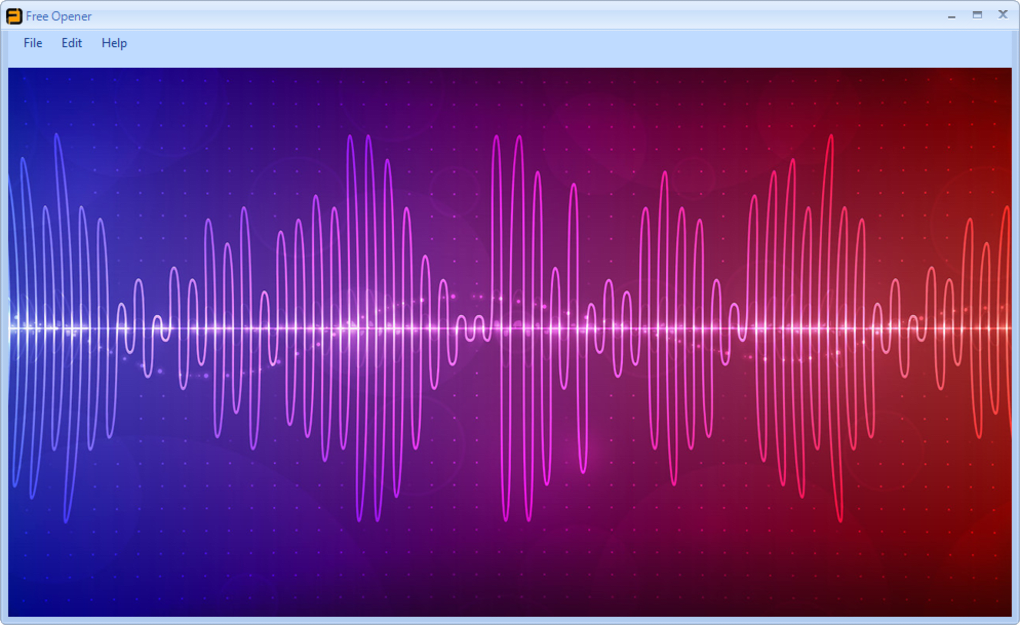
- First launch. Upon opening the application, you will see a clean toolbar at the top of the window. The “Open File” button (or the shortcut Ctrl+O) is the primary entry point for loading documents.
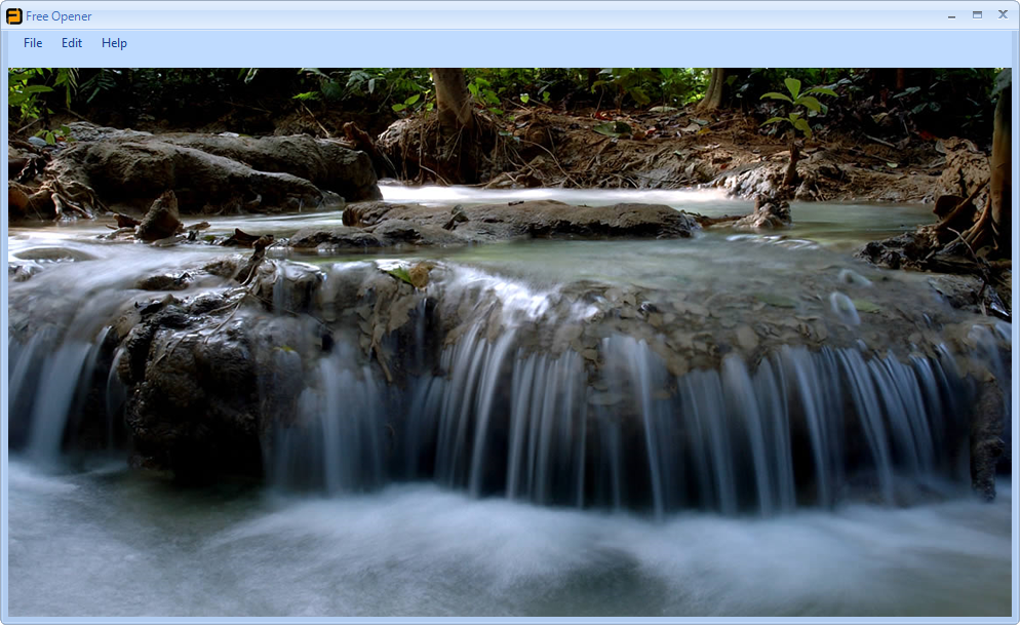
- Open a file. Drag a file onto the Free Opener window or use the “Open File” dialog to browse your directories. The program automatically detects the file type and renders a preview. For media files, playback controls appear at the bottom of the window.
- Save or export. If you need to convert a document to another format, use the “Save As” option. Free Opener can export PDFs to images (PNG, JPEG) and compress archives into ZIP format, providing basic conversion capabilities without third‑party tools.
- Update notifications. The software checks for updates each time it starts. When a new version is available, a non‑intrusive banner appears, allowing you to download and install the update with a single click.
The entire process typically takes under five minutes, even on older hardware. Because the program is lightweight, it launches instantly and consumes minimal RAM (generally under 100 MB). For users who prefer command‑line interactions, Free Opener also supports a silent installation mode using the /S switch, which is handy for bulk deployments in corporate environments. In short, the installation and usage experience is designed to be as hassle‑free as possible, reinforcing the “free and simple” promise that the product name implies.
System Compatibility, Pros, and Cons
Free Opener is built on a cross‑platform framework that ensures smooth operation on the most common desktop operating systems. The officially supported platforms include:
- Microsoft Windows 10, 11, and Windows 8/8.1 (64‑bit and 32‑bit)
- macOS 10.14 (Mojave) and newer, including Apple Silicon (via Rosetta 2 translation)
- Linux distributions (Ubuntu, Fedora, Debian) – community‑maintained packages are available via .deb and .rpm formats
Minimum hardware requirements are modest: a 1 GHz processor, 512 MB of RAM, and 100 MB of free disk space. Because the application relies on native OS libraries for rendering, it inherits the stability and security updates of the host system.
Pros
- Extensive format support: Handles over 80 file types, reducing the need for multiple utilities.
- Zero cost: Completely free with no hidden fees, making it ideal for budget‑conscious users.
- Lightweight and fast: Quick startup and low memory consumption, even on older machines.
- User‑friendly interface: Familiar toolbar layout reduces the learning curve.
- Cross‑platform availability: Works on Windows, macOS, and Linux.
- Secure sandboxing: Prevents execution of potentially malicious code from unsupported files.
- Regular updates: New format additions and bug fixes are released monthly.
Cons
- Advanced editing features (e.g., PDF annotation, video editing) are not included; the tool focuses on viewing only.
- Some very niche file types (e.g., proprietary CAD formats) remain unsupported.
- While the UI is clean, it lacks extensive theming or customization options.
- Automatic update checks may be disabled by corporate firewalls, requiring manual updates.
- Mac users on Apple Silicon may experience a slight performance overhead due to Rosetta translation.
Overall, the benefits of Free Opener far outweigh its limitations for the majority of everyday users. The application shines when the primary goal is quick, reliable access to a broad spectrum of files without incurring additional costs. If you need deep editing or format‑specific tools, you may still need specialized software, but for viewing and basic conversion, Free Opener is a compelling, secure choice.
Frequently Asked Questions
Is Free Opener truly free or does it have hidden fees?
Free Opener is completely free to download, install, and use. There are no trial periods, subscription fees, or hidden charges. All features listed in the official feature list are available without any payment.
Can Free Opener open encrypted or password‑protected files?
The application can open password‑protected PDFs and ZIP archives, but you must provide the correct password when prompted. It does not attempt to crack or bypass encryption.
Is the software safe from malware and adware?
Yes. Free Opener is distributed through the official website and reputable software repositories. The installer is digitally signed, and the application runs in a sandboxed environment to minimize security risks.
Will Free Opener receive regular updates for new file formats?
The development team releases monthly updates that add support for emerging file types, improve existing renderers, and address any bugs. Users are notified of updates at startup, and updates can be installed with a single click.
Can I use Free Opener on a corporate network with strict IT policies?
Because the installer is lightweight and does not require additional runtimes, it is generally acceptable in most corporate environments. However, IT administrators should review the executable’s digital signature and may need to whitelist the application in endpoint security tools.
Conclusion – Why You Should Download Free Opener Today
If you’ve ever felt frustrated juggling multiple viewers just to open a single document, Free Opener offers a practical, cost‑free solution that consolidates more than 80 file types into one intuitive interface. Its lightweight footprint, cross‑platform support, and regular updates make it a reliable companion for students, professionals, and casual users alike. By choosing Free Opener, you gain a secure, no‑strings‑attached utility that eliminates the hassle of searching for the right program each time a new file arrives in your inbox. Download Free Opener now and experience the convenience of a truly universal file opener.
Guides & Tutorials
How to install Free Opener
- Click the Download button above.
- Once redirected, accept the terms and click Install.
- Wait for the Free Opener download to finish on your device.
How to use Free Opener
This software is primarily used for its core features described above. Open the app after installation to explore its capabilities.
User Reviews
No reviews yet. Be the first to share your experience.
You may also like
more
Llama 2
Free-to-use large language model As the new addition to Meta’s arsenal of langua...

NotebookLM
Revolutionizing the note-taking and idea-generation process NotebookLM is an exp...

Github co pilot
AI-inspired software development and coding platform GitHub Copilot is a browser...

Google Gemma
Google’s lightweight AI models Introducing Google Gemma , a family of cutting-ed...

AI Image Enlarger
A free app for Windows, by ai-image-larger. AI Image Enlarger is a free software...

DALL E
AI-driven text-to-image transformation engine DALL·E is a free graphic and desig...